> For the complete documentation index, see [llms.txt](https://docs.beekeeb.com/llms.txt). Markdown versions of documentation pages are available by appending `.md` to page URLs; this page is available as [Markdown](https://docs.beekeeb.com/toucan-keyboard/case-assembly-part-1.md).
# Case Assembly Part 1
If you have a pre-soldered variant, you can skip to Part 2.
## Cable Routing
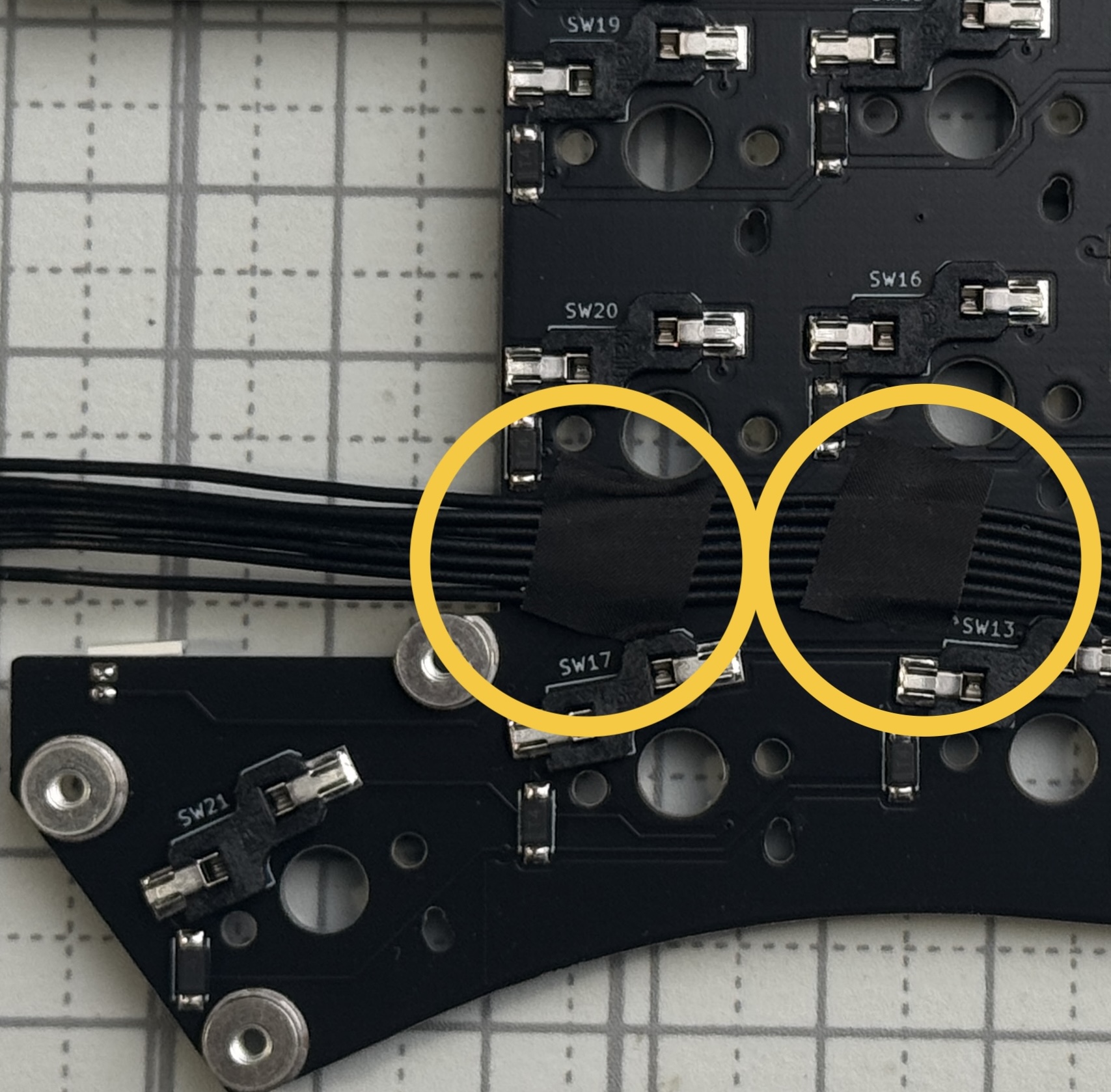
On both sides, use the small black tape to secure the 7P cable and keep the wires from sticking out.
## Bottom Case
Remove all orange-brown films on PCB nuts.
Make sure the 4 holes per side in the 3D-printed case are hollow.
### Install the Power Switch Caps
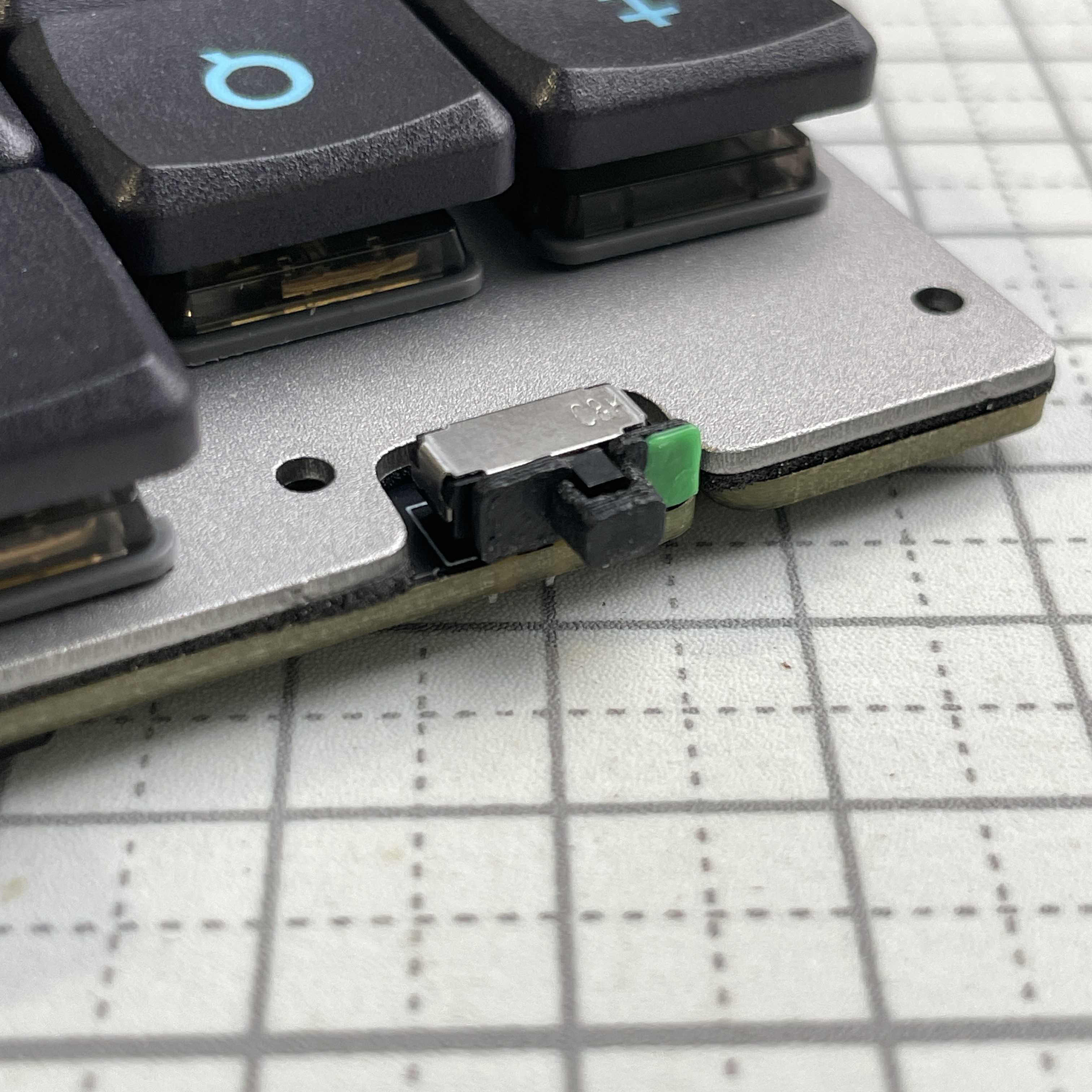
Fully insert the power switch caps. Make sure it sits above the PCB.
### Slide in the PCBs
Be careful with the power switch on the top.
Repeat the steps for the right hand side.
### Fasten the screws
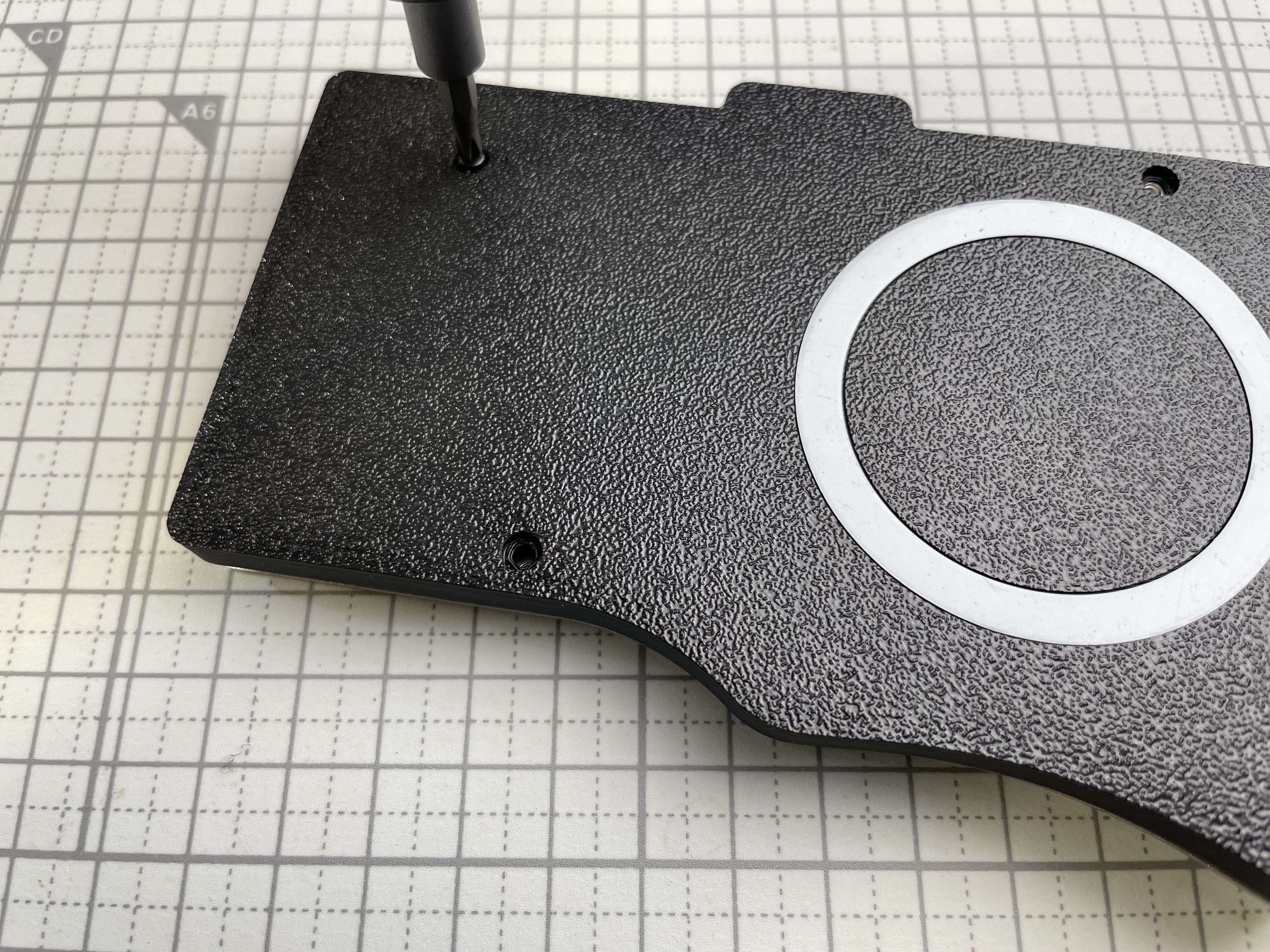
Use short screws M2 x 4mm to secure the PCB and the bottom case. Fasten the screws in a diagonal order.
{% hint style="info" %}
Do not over-tighten the screws.
{% endhint %}
## Switch Plate, Foam
Add Switch Plate and Foam.
{% hint style="info" %}
Handle the display and 7P cable with care.
{% endhint %}
## Key Switches
Install key switches at the corners, and then the rest.
Some hotswap sockets are rotated by design. Make sure to confirm their orientation before inserting switches. Also, check if the pins of key switches are straight before inserting.
{% hint style="info" %}
Incorrect insertion might damage the hotswap sockets or PCB.
{% endhint %}
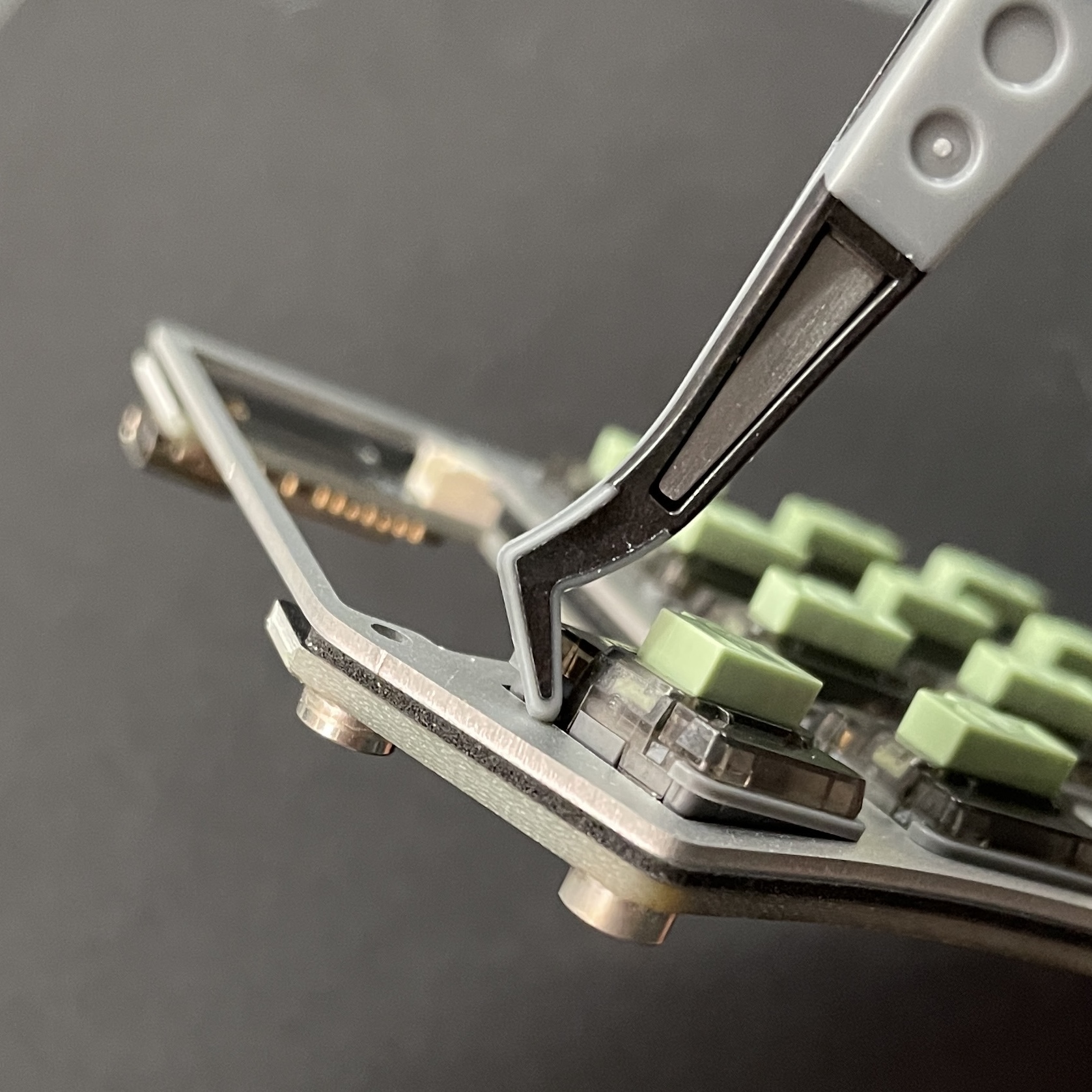
If it is hard to install, it is recommended to slide it in from one side at an angle, and gently press the housing near the 2 mounting parts.
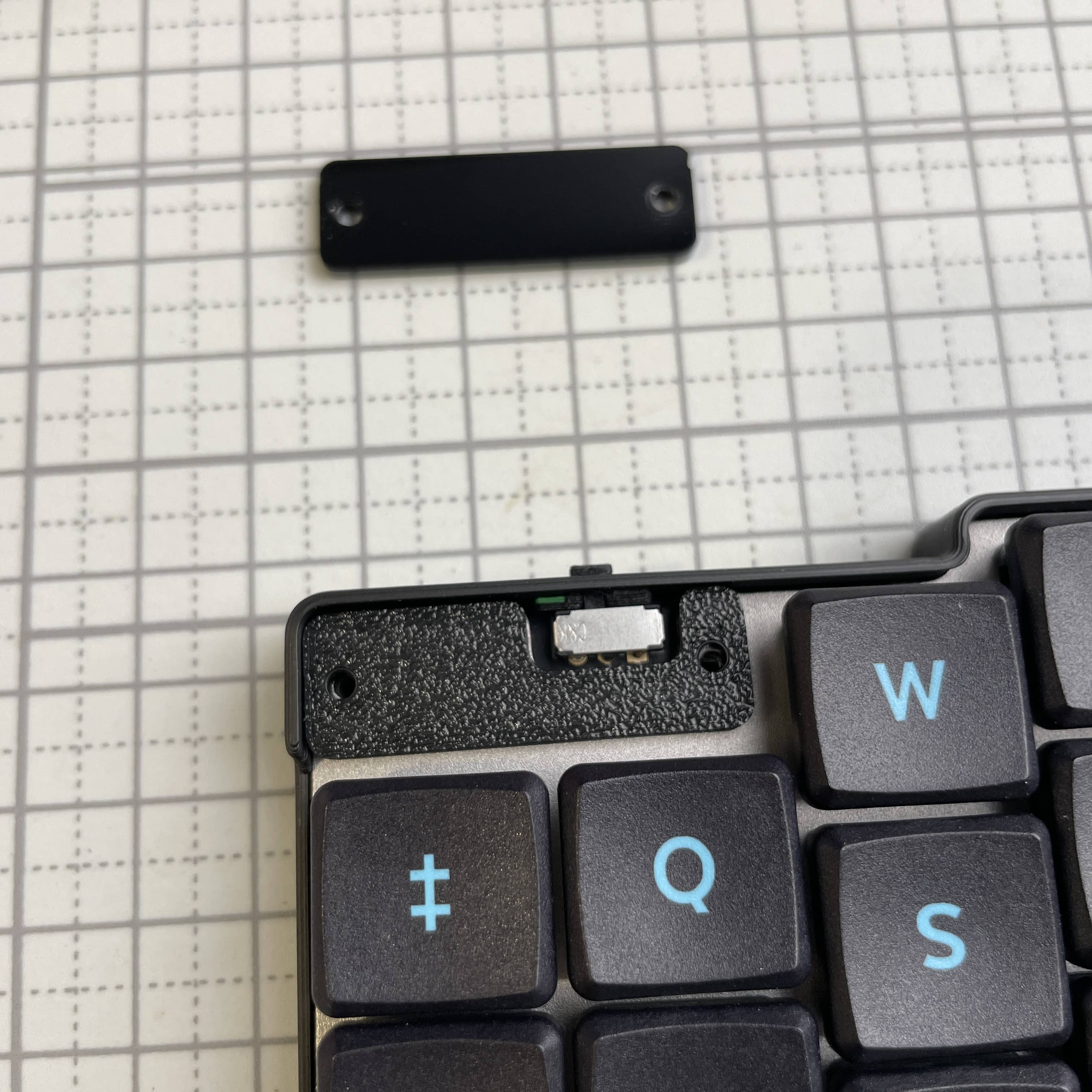
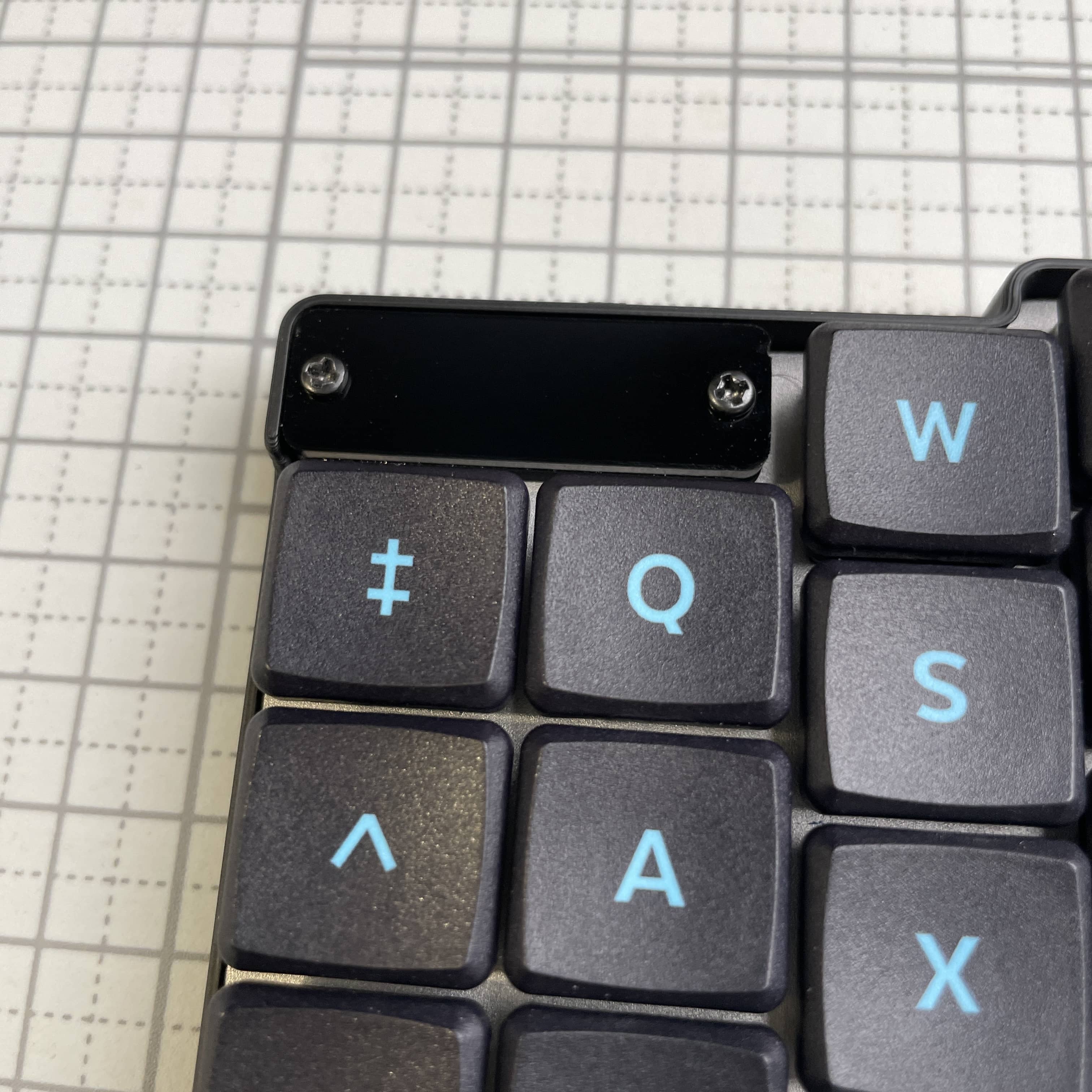
## Pinky Blocker Plates
Remove the protective films of the acrylic plates.
Use long screws M2 x 8mm to secure the plates. Do not over-tighten the screws.