Battery Specs

Toucan Keyboard Battery Specs

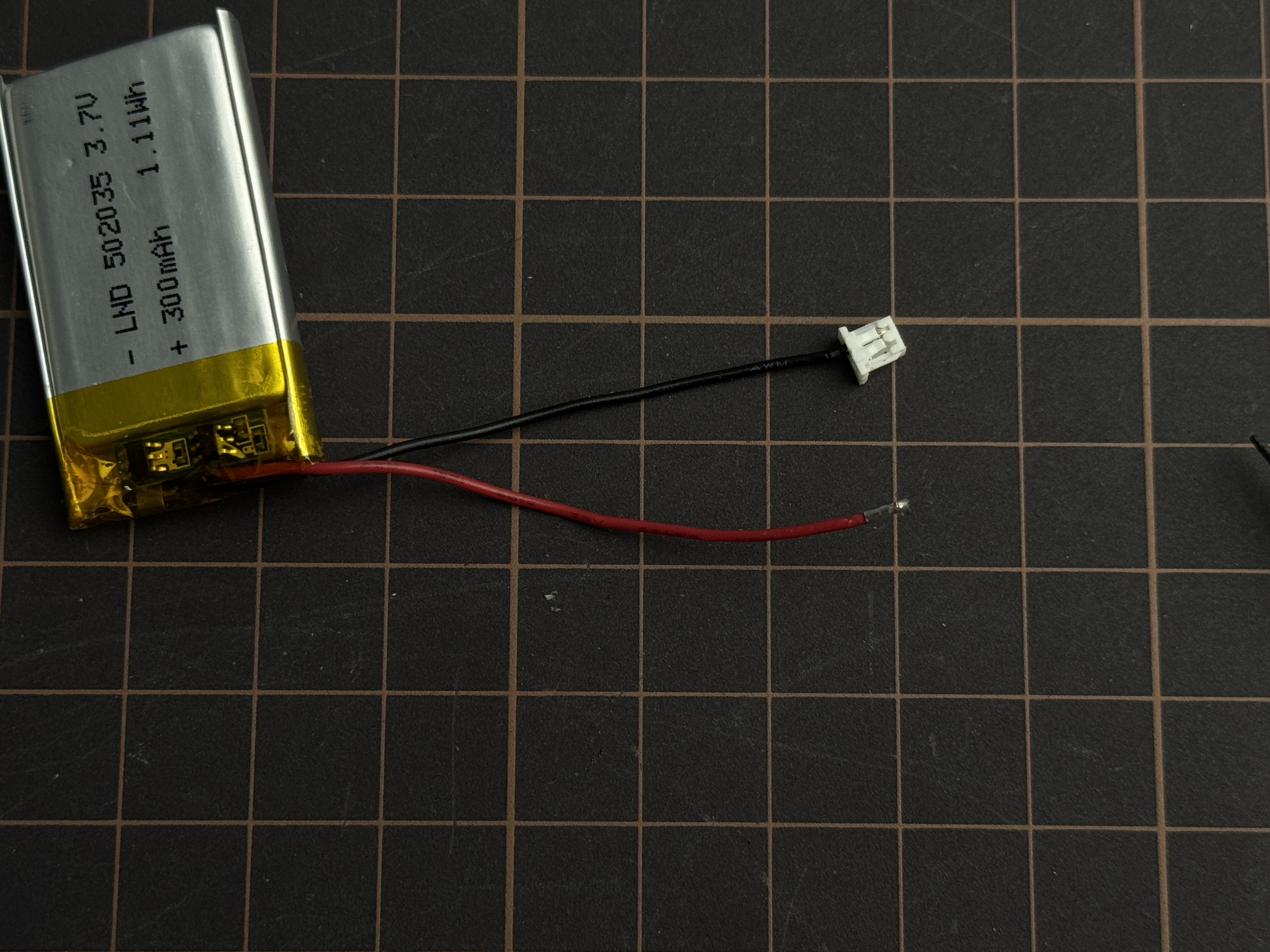
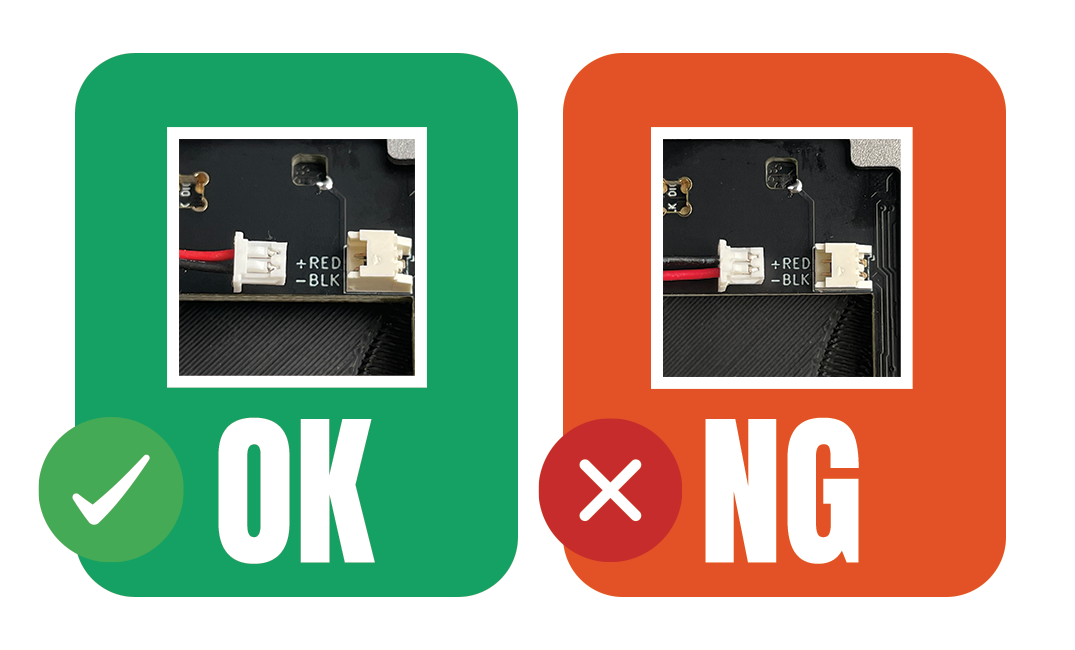
Let’s begin this guide with something very important. No matter where you buy the battery, please take a moment to check the polarity by matching the red and black wires. If the battery is connected the wrong way, it could damage the keyboard.

Specifications

For using Toucan split keyboard in wireless mode, please prepare 2 batteries.

Item
Details

General

Lithium-polymer battery with a built-in protection circuit (PCM)

Voltage

3.7 V

Capacity

100–400 mAh

Connector

Molex PicoBlade 51021-0200 (1.25 mm pitch)

Recommend Dimension

Within 21 mm (Width) × 36 mm (Length) x 4.3 mm (Thickness)

for example, models 401730 or 402030

Battery Testing Results

⚠️ Keep sharp objects away from the battery. Placing any sharp objects on top of the battery can puncture it, leading to damage or leaks. In the worst case, this sparks a fire hazard from chemical reactions inside.

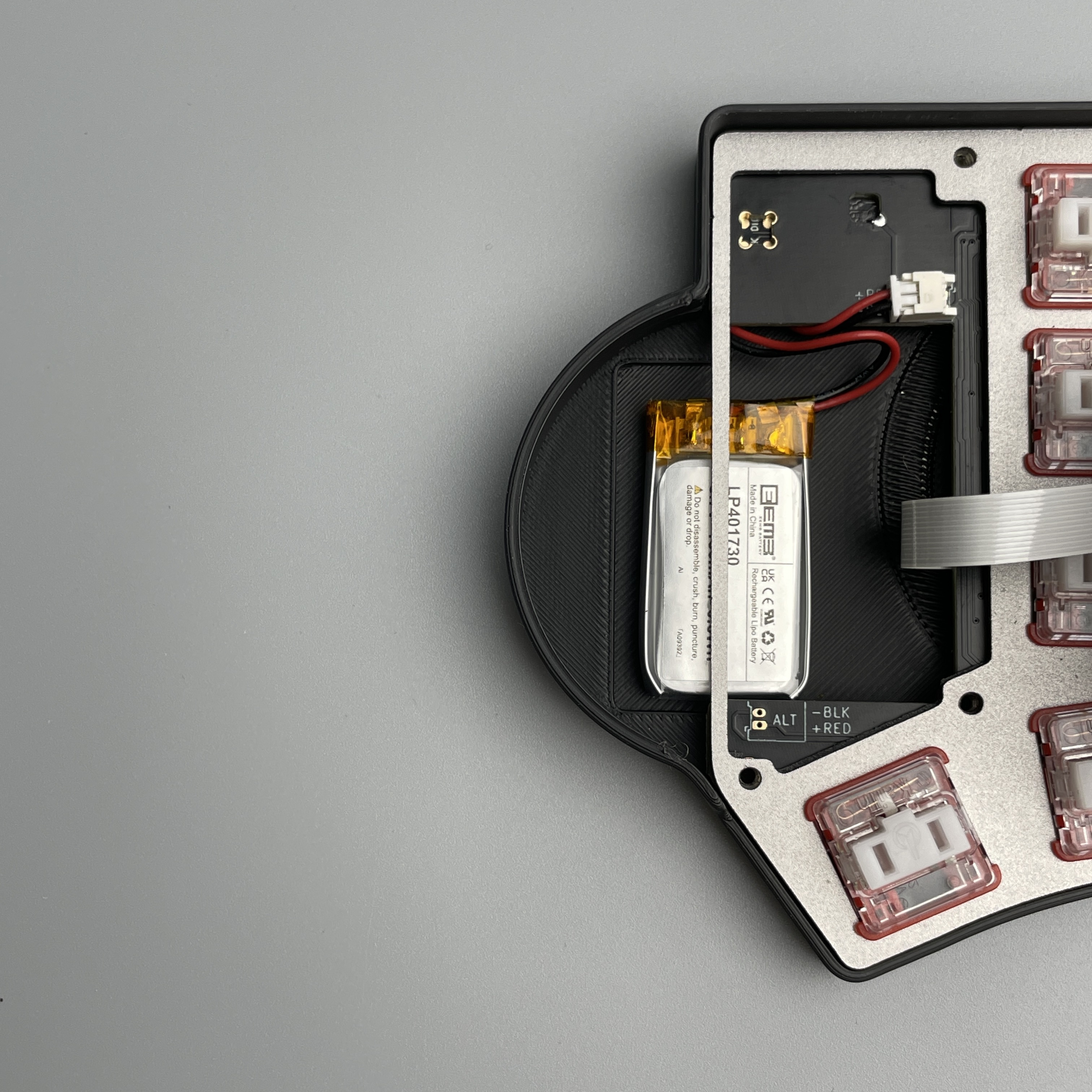
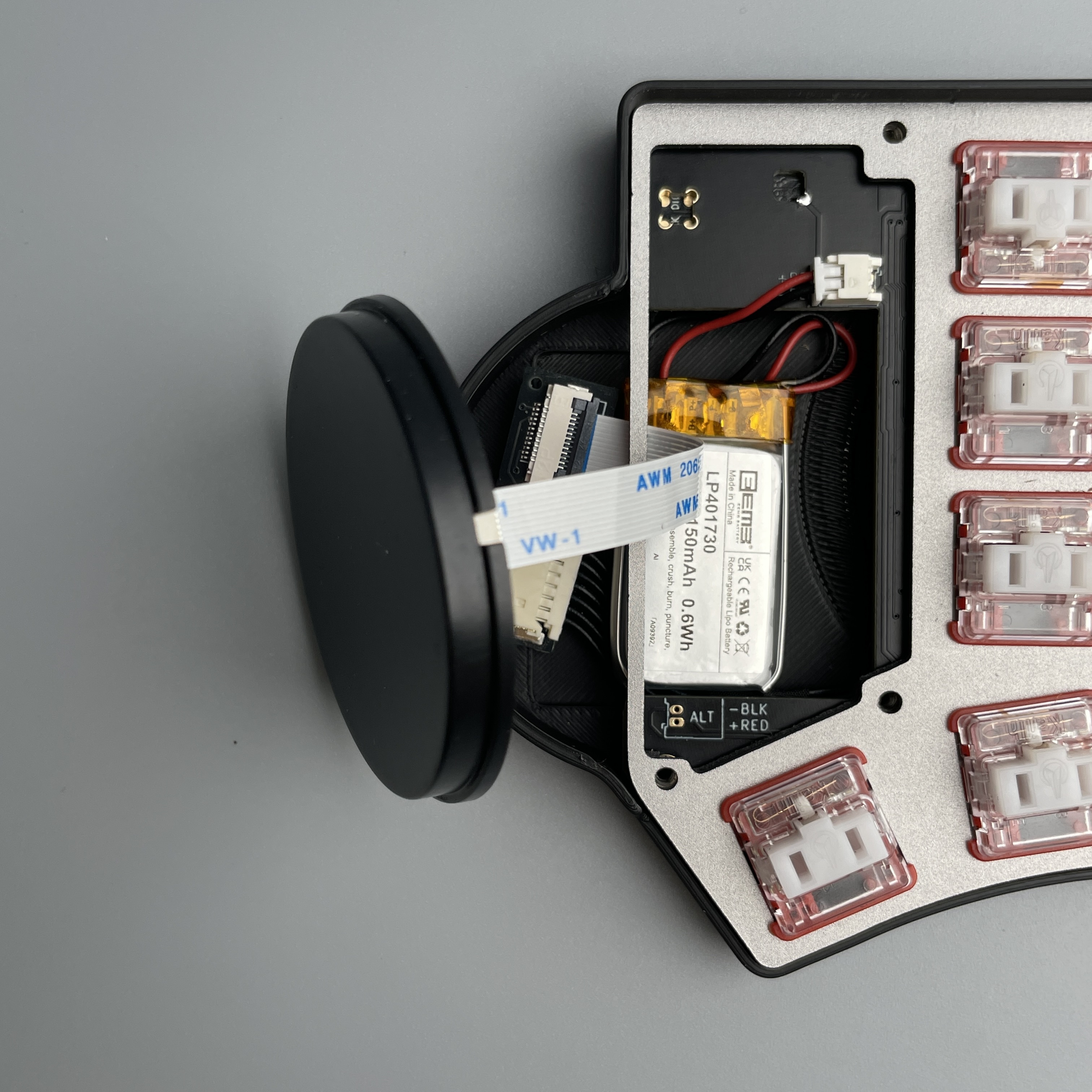
  • 401730

    • Capacity: around 150mAh

    • Max Dimension: 17.5mm (Width) x 32mm (Length) x 4.3mm (Thickness)

Pre-soldered
DIY
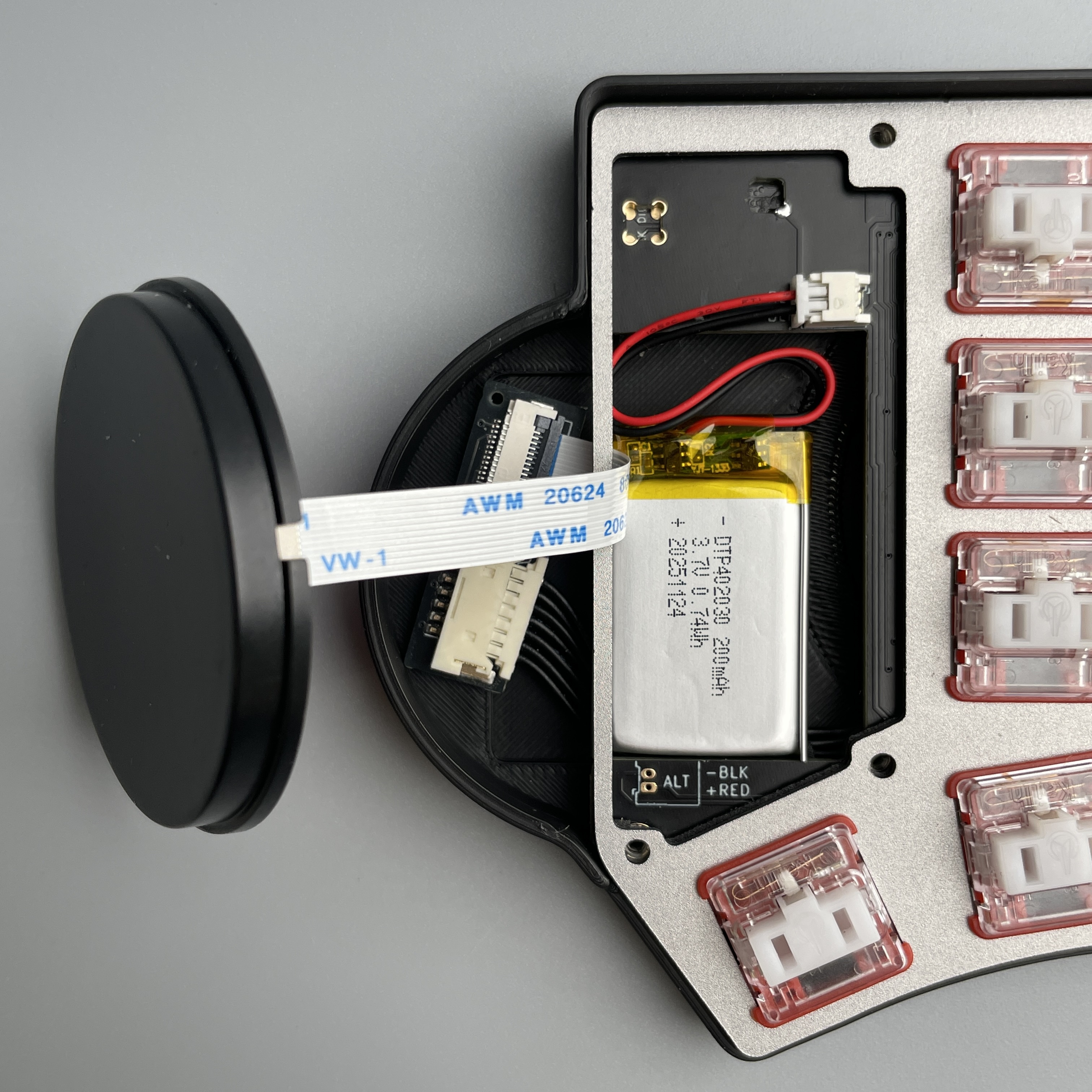
  • 402030

    • Capacity: around 200mAh

    • Max Dimension: 20.5mm (Width) x 32mm (Length) x 4.2mm (Thickness)

Larger capacity batteries with the Molex PicoBlade 51021-0200 (1.25 mm pitch) connector are available on the market. However, they require high level of skill to route the wires and position the battery correctly and safely. For this reason, we do not recommend using them.

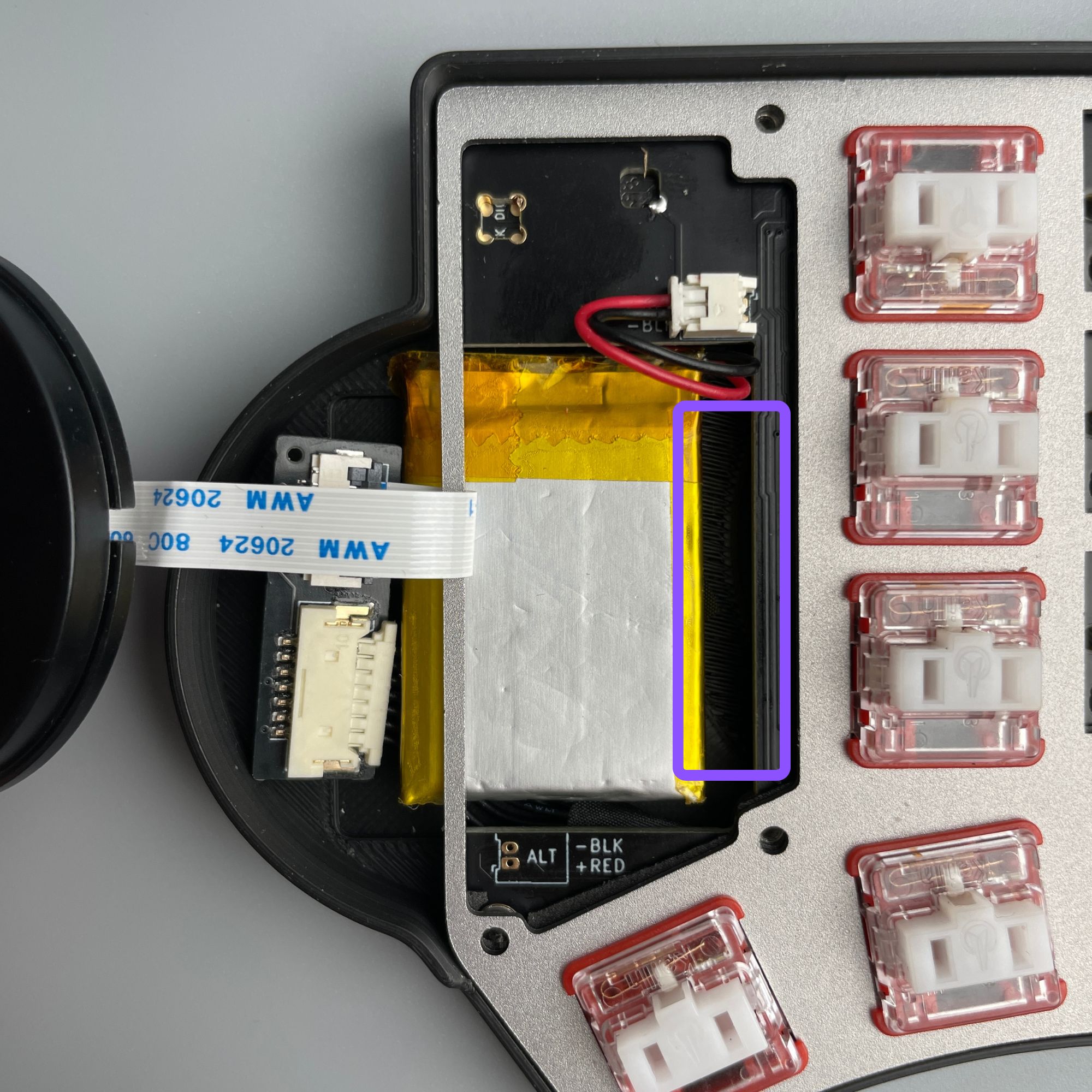
  • 402535

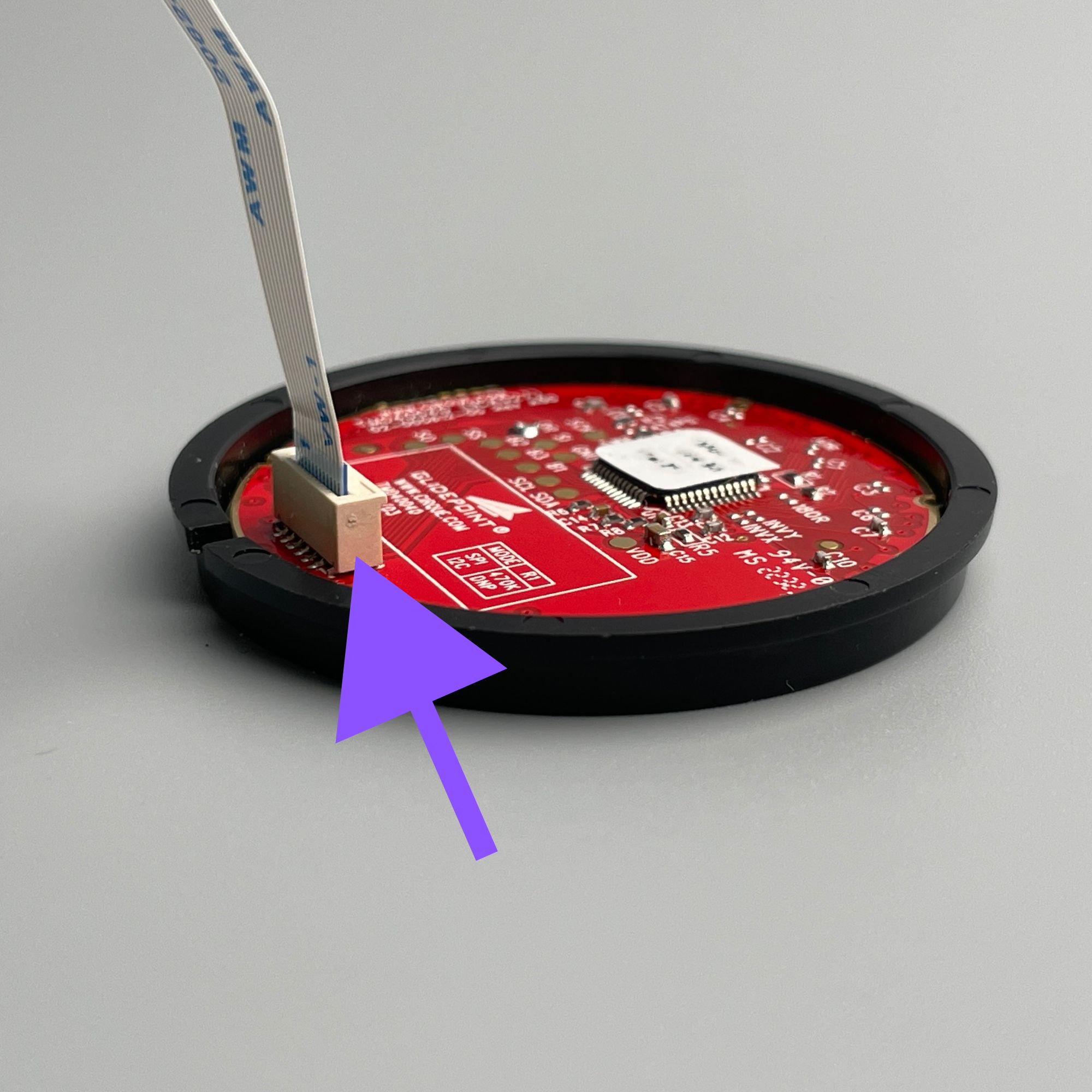
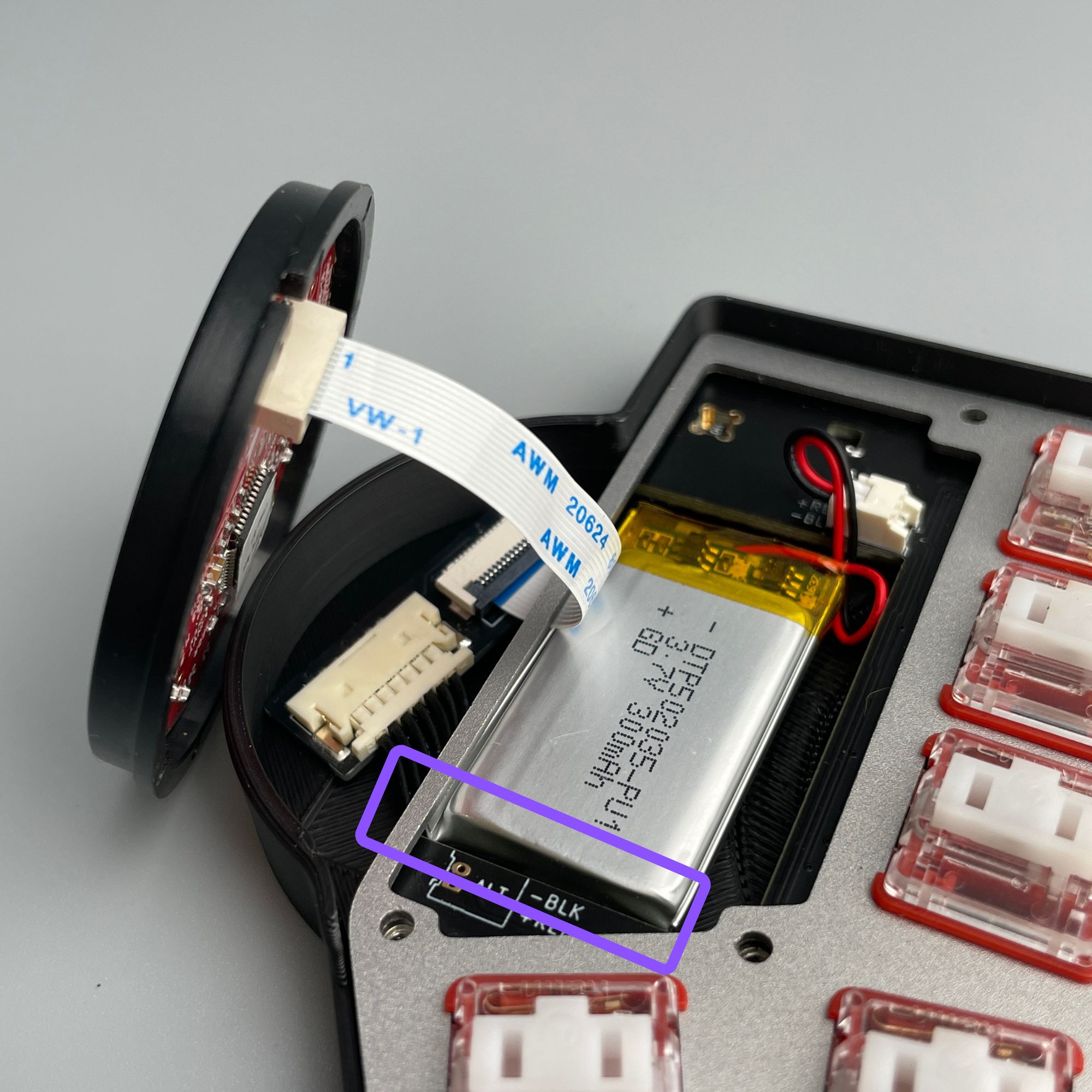
    There is a FPC connector in the trackpad. After installing the battery, please gently push it aside to create space for properly storing the FPC connector.

    • Capacity: around 320mAh

    • Max Dimension: 25.5mm (Width) x 37mm (Length) x 4.3mm (Thickness)

  • 502035

    While the keyboard case can accommodate a battery with 5.2mm thickness, the battery may swell over time due to normal aging and cycling. This expansion could press against keyboard components, potentially causing damage or safety hazards. Therefore, we do not recommend using it.

    • Capacity: around 300mAh

    • Max Dimension: 20.5mm (Width) x 37mm (Length) x 5.2mm (Thickness)

Shops / Brands of the Battery

Disclaimer: We are not affiliated with any of the shops or brands mentioned below. These batteries were selected based solely on the specifications provided above. We have not tested these batteries ourselves. Customers are responsible for verifying compatibility, polarity, and safety before use to prevent injuries or damages.

If you are not sure if the battery is compatible with the Toucan keyboard, please send the link or photo of the battery to [email protected]. We can do an initial check.

Country
Model
Link

Canada

EEMB Lithium Polymer Battery 3.7V 150mAh 401730

Germany

3.7 V Lithium Polymer Battery 150 mAh 401730

Japan

EEMBリチウムポリマー電池3.7 V 150mAh 401730

United Kingdom

EEMB Lithium Polymer battery 3.7V 150mAh 401730

United Kingdom

3.7V 150mAh 401730 Lipo Lithium Polymer Battery with Molex Connector

United States

EEMB Lithium Polymer Battery 3.7V 150mAh 401730

United States

EEMB 3.7V Lithium ion Battery 150mAh 401730 Rechargeable 3.7 Volt Lipo Battery

Updated: December 1, 2025

Using Toucan Without Batteries

If you do not have a battery yet, you can still use the keyboard by connecting both halves with two USB-C cables to USB power sources.

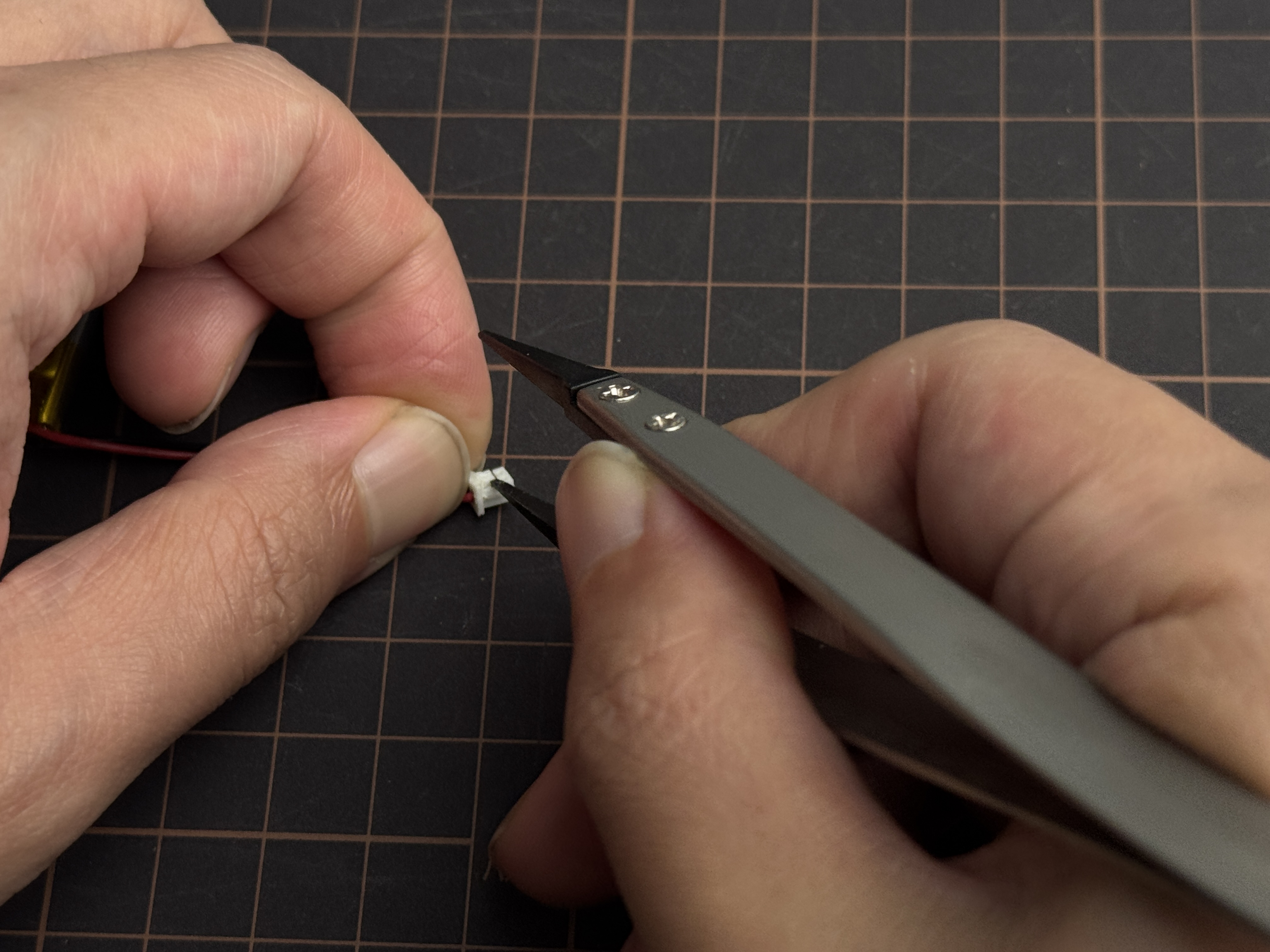
If you cannot obtain a battery with the correct size and polarity, but have one with the right size and wrong polarity, you may carefully swap the wires by unlocking the Molex connector using tweezers. Disconnect the wires, swap their positions, and reattach them securely.

⚠️ However, we strongly do not recommend this, as improper handling can damage the battery, cause overheating, or even lead to fire.

Last updated

Was this helpful?